Free QR Code Generator
Create URL, WiFi, text, vCard, social, menu, review, and PDF-link QR codes, then style them with AI.
Static codes never expire and have no scan limit
No account needed. Pick a type, fill it in, and download a static QR code.
Details
Preview
The preview appears after you fill in the form.
You can also press Generate.
Dashboard preview
A preview of scan trends, sources, devices, and regions in the CodeBox dashboard. The figures below are sample data, not live scan statistics.
QR Analytics Dashboard
From total scans and unique visitors to channel and regional breakdowns, this preview demonstrates the full analytics loop behind dynamic QR campaigns.
Highlight lift, momentum, and peak days after launch
More than a generator
Easier to design, easier to scan
A free QR code designer for a code that still looks like your brand.
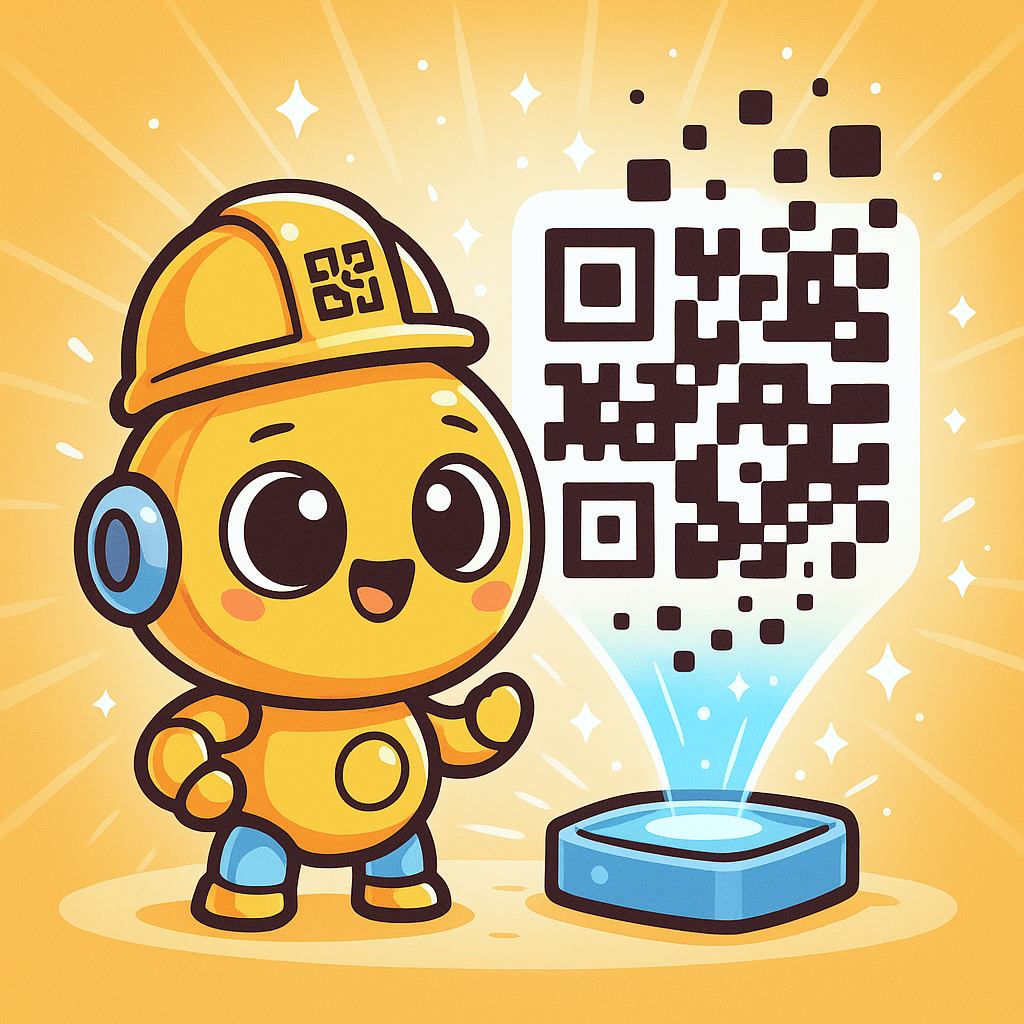
How to Create QR Codes for Free
Choose a type in the editor: URL, text, WiFi, vCard, Xiaohongshu, Douyin, Instagram, TikTok, WhatsApp, Telegram, a menu link, a review page, or a PDF link. Then adjust the colors, shapes, and logo.
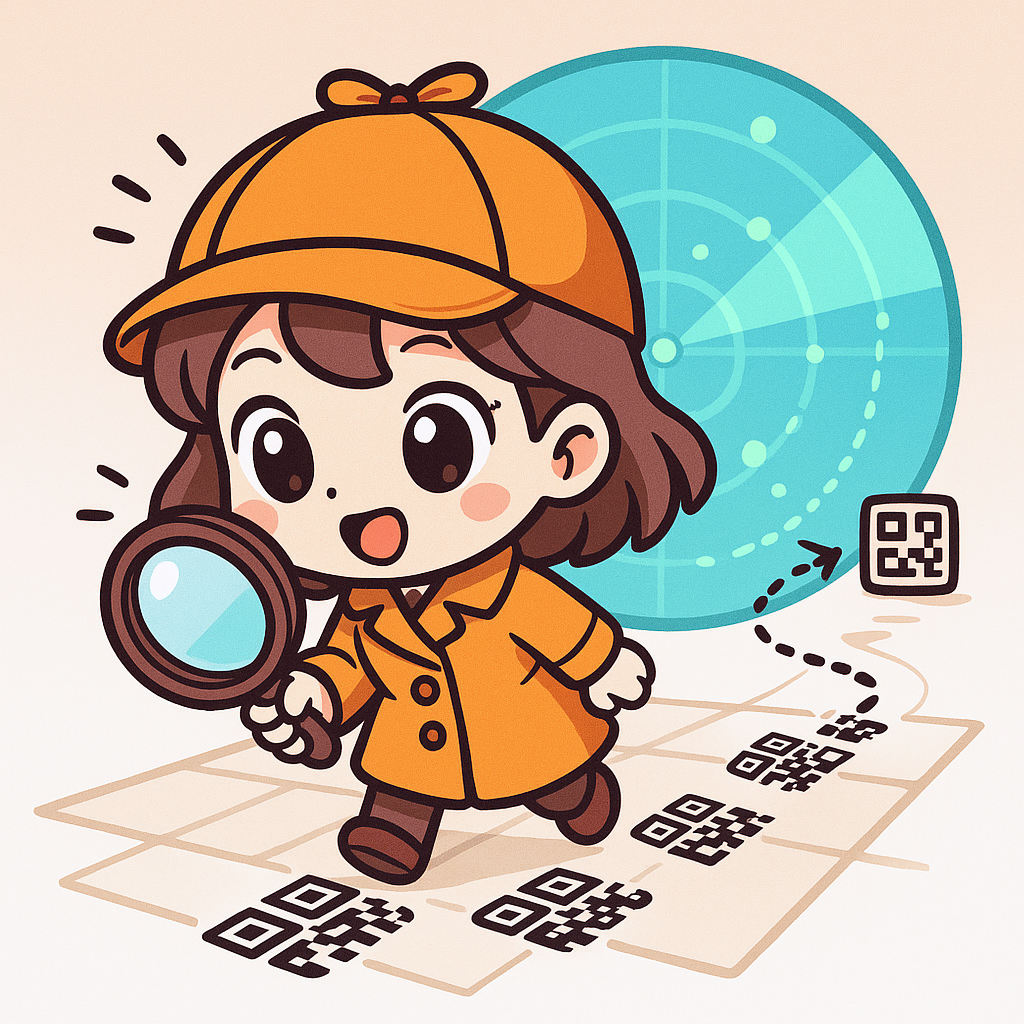
Download, Print, Track Data
Download the PNG and print it. URL, social, menu, review, and PDF links can be saved as dynamic codes with scan tracking. Text displays its content directly, and a static vCard can add a contact when scanned.
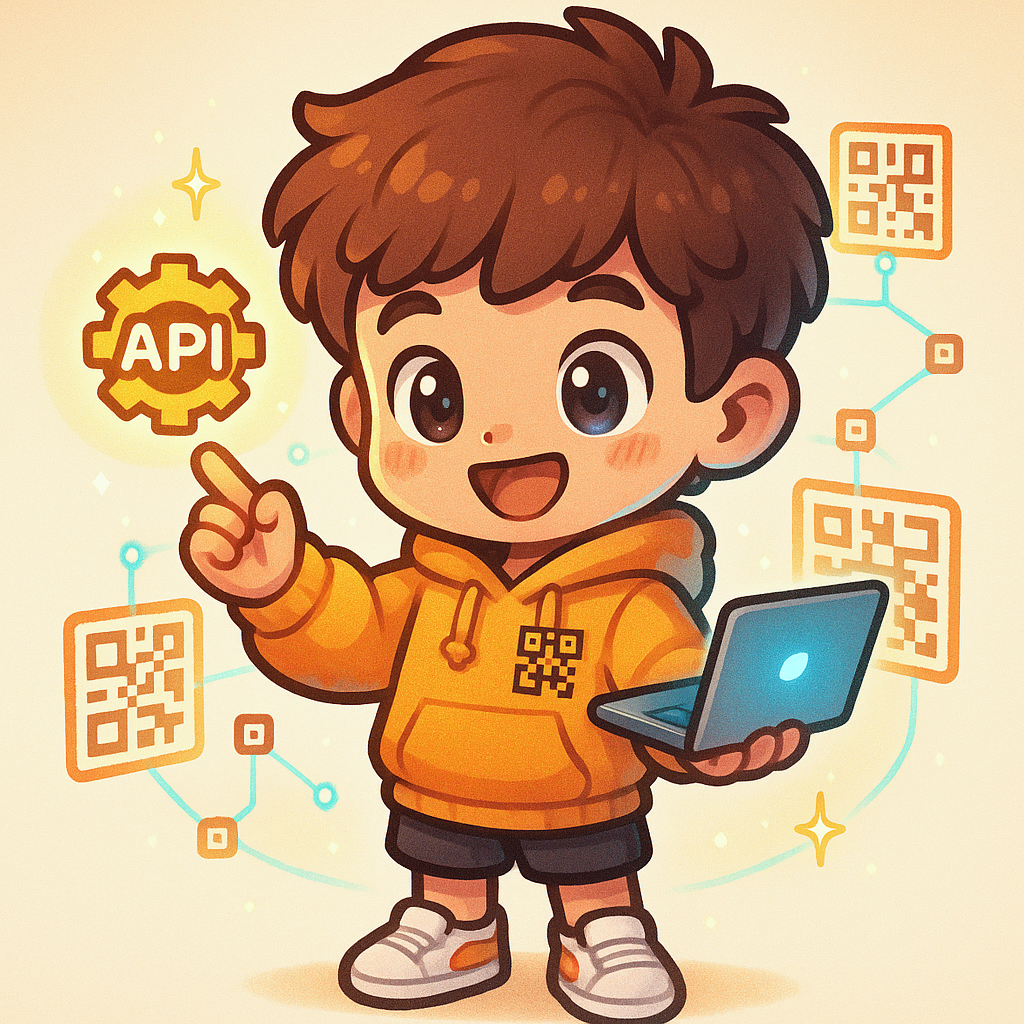
API Service Integration
CodeBox's exclusive QR code generator provides API interfaces, each user has their own exclusive APIKEY, through the APIKEY to call the provided interfaces, you can obtain QR code related data, convenient for development integration into your own application systems.
Static codes stay free. 5 free live codes every month
Changing the link, the expiry, or UTM is free. A code stays valid until you set an expiry.
Static codes never expire and have no scan limit
- Static codes stay free
- 5 free live codes every month
- Link, expiry, and UTM edits are free
- Static codes never expire and have no scan limit
5 free live codes every month
Each month includes 50 credits, enough for 5 live codes. The same credits can instead make 2 AI Standard codes or 1 AI art code. Unused free credits reset next month and do not roll over.
Static codes stay free
Static codes cost 0 credits and do not expire on their own. A signed-in account can save 50 per month.
Secure checkout
WeChat Pay confirms the payment, then the credits land in your wallet.
Ready immediately
You can create more codes as soon as the payment succeeds.
Purchased credits last
Credits you buy do not expire. Use them on your own schedule.
After a live code is created, changing its link, expiry, or UTM does not cost credits.
A code has no expiry unless you set one. Only a date you choose will turn it off.
Live code 10 credits, AI Standard 20, AI art code 50. Purchased credits do not expire.
What is free?
Static codes cost 0 credits. Static codes never expire and have no scan limit. Each month you also get 50 credits, enough for 5 live codes if you spend them that way. A signed-in account can save 50 static codes a month.
Do live codes expire?
Not unless you set an expiry. Changing the link, the expiry, or UTM after creation is free. Purchased credits do not expire. Unused monthly free credits reset and do not roll over.
What does a credit pack buy?
A live code costs 10 credits. AI Standard costs 20. An AI art code costs 50. The line on each pack is that pack's price divided by those costs.
Introduction to QR Codes
How CodeBox Tracks QR Code Scanning Data and Effectiveness
Vision for QR Codes
Common Questions About CodeBox Platform
If you can't find the answer to your question here, you can contact us through the following methods
The FAQ is the fastest way to check a common question. For setup, credits, or a printed campaign, contact support.
- What QR code formats does CodeBox support?
- The CodeBox editor supports URL, text, WiFi, phone, vCard, Xiaohongshu, Douyin, Instagram, TikTok, WhatsApp, Telegram, menu links, review pages (Google, Dianping, and Meituan), and PDF links. URL-like codes can use a dynamic short link and the same scan analytics. A vCard can be a static add-contact code, or a trackable card page.
- Can QR codes generated by CodeBox be used commercially?
- According to CodeBox's agreement, generated QR codes can be used for commercial purposes, but must comply with relevant laws and regulations. You can check the commercial agreement in the API documentation.
- Is CodeBox user data secure?
- According to CodeBox's agreement, user data is secure and will not be disclosed to third parties. Users can use it with confidence.